

Hi folks,
I’m still figuring things out, this newsletter, my videos, my style, everything is on the table. Today’s video is a bit of a behind the scenes of how I’m working through that and finding my style. It’s still a work in progress but lmk what you think.
You can view the full session post here. Also linked there is my visual breakdown of Anthropic’s IPO filing.
My feed
GPT-6.1 Terra is OpenAI’s new model for computer use and writing. Easy choice for a daily driver on the $20 plan. Half the price of Sol and very competent. It doesn’t make the dumb mistakes Luna often does.
Stacklet Token Custodian - know which agent is burning your token budget, then act on it with automated policy across AI providers.*
With your approval, 1Password for Agents can sign your agent into a site without revealing your password. It’s rolling out for Muse and Grok Bot.
Kimi K3.1 Pro - a new open-source model. Benchmarks say it’s at Opus 5.5 level.
Dessa - speech model from Block. It can listen and speak at the same time. I didn’t love it like others on X did… the first example feels like you’re talking to an annoying idiot. Sure it’s expressive and sounds like a human.
Hallmark is a rebuilt design skill for agents, that refuses to look AI generated.
What is an agent harness, anyway?
Browserbase introduced BELL, an open-source personal assistant stack
Grok Bot can use the calendar, reminders and contacts on your phone. Plus it has a 1Password integration and can save logins and cards.
Thorsten Ball shares his agent workflow: describe outcomes, generate variations, request proof, and use scheduled checks rather than constant back-and-forth.
Reduck lets agents use the web quickly and reliably (and get around websites that block agents…)
pwn.watch tracks live security incidents that agents can monitor on a schedule.
Coworkers - build your own AI teammates, each with a computer and browser, on Cloudflare. (experimental)
A few illustration skills:
Teardown - turn an object into an editable technical illustration you can export.
Dimensional drawings of UI components
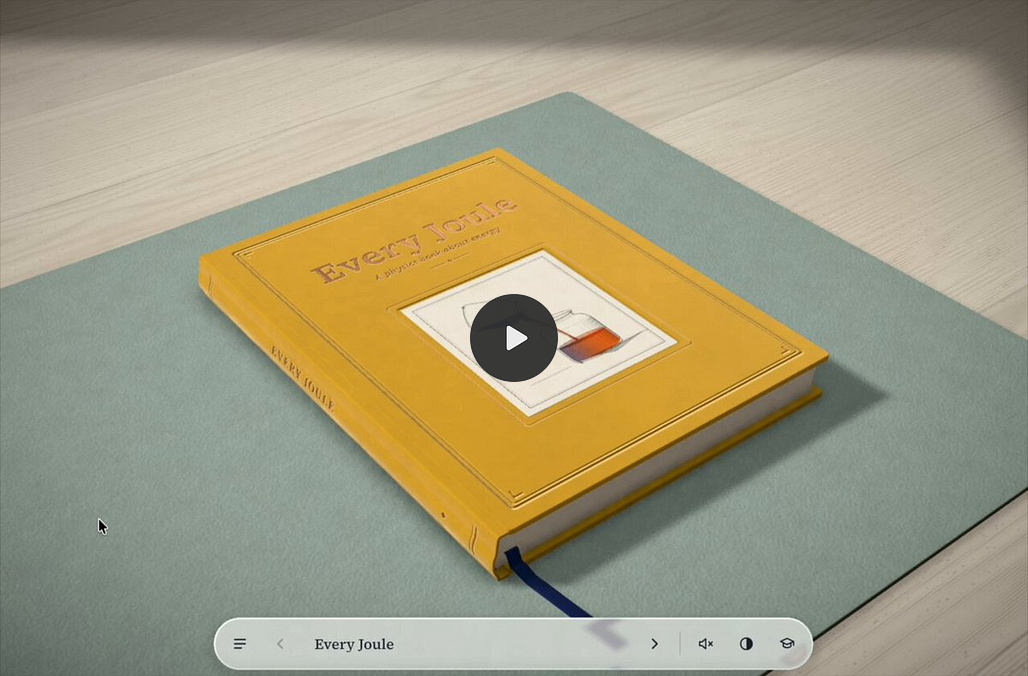
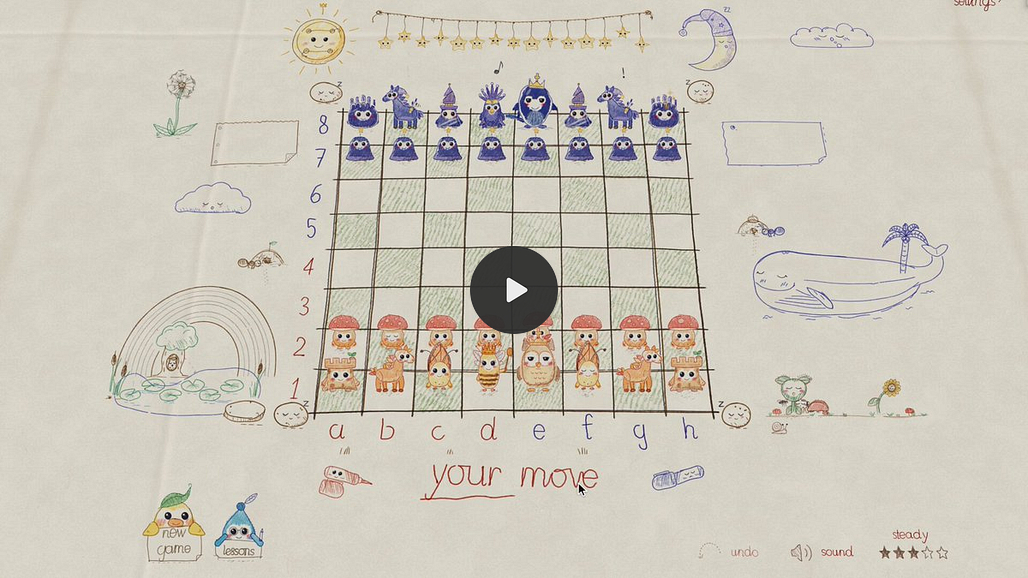
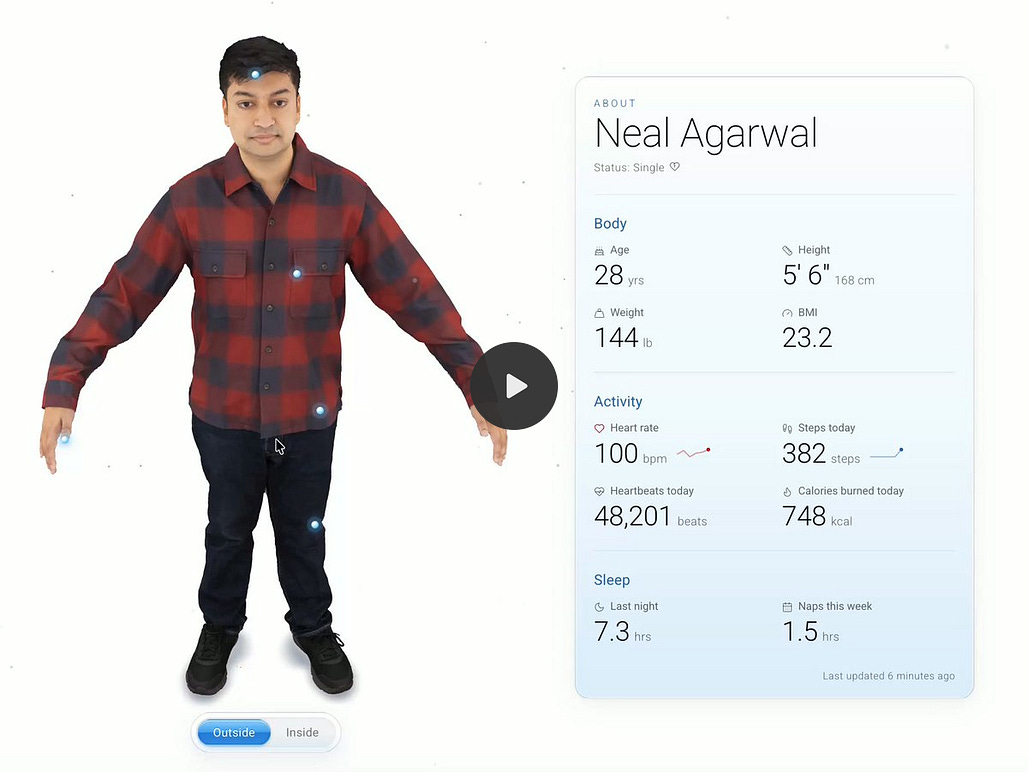
Michael is building Charming. It’s like Notion for tiny apps (vs docs). He made this to-do board template on it, inspired by my post last Tuesday.
Afters






Read about me and Ben’s Bites
Thumbnail by @keshavatearth
* sponsors who make this newsletter possible :)
Wanna partner with us for the next quarter?
Email us at shanice@bensbites.com or k@bensbites.com
I'm enjoying the video format and visuals always work for me. You naturally talking while it's also framed or supported by a visual at the same time is great. Also, for people learning who may need to sit and reflect on some content or ideas shared, being able to go to your 'sessions' and grab the visual works well. Though the pele diagrams are beautiful, the simpler the better in a learning environment. I think purpose can then create a fine line as to what might work best - broader 'how I work' (Stanford) through to build demo might benefit from different treatments/tools.
btw - what is the canvas/tool that you are using as you present?
Point on format resonates a lot. In a way it feels like working on product sense / design where the product is content (which is fun but can also send you spinning / excess rumination / personally struggle on when to stop). Keep these coming they're great!