

Hello again :)
I’m in my hometown Cardiff for the long weekend seeing family. I’m even playing padel for the first time, which is sacrilege as I’m a regular tennis player and padel mock-er. Wish me luck, I hope I don’t like it that much.
Time to rebuild my personal website. I wanted to design the thing first and hook everything up after.
My first idea was to make the site look like an agent app. Each ‘thread’ could contain something different info: about me, my investments, products I like, etc. I gave Codex an image of the BB app and asked it to build a prototype.
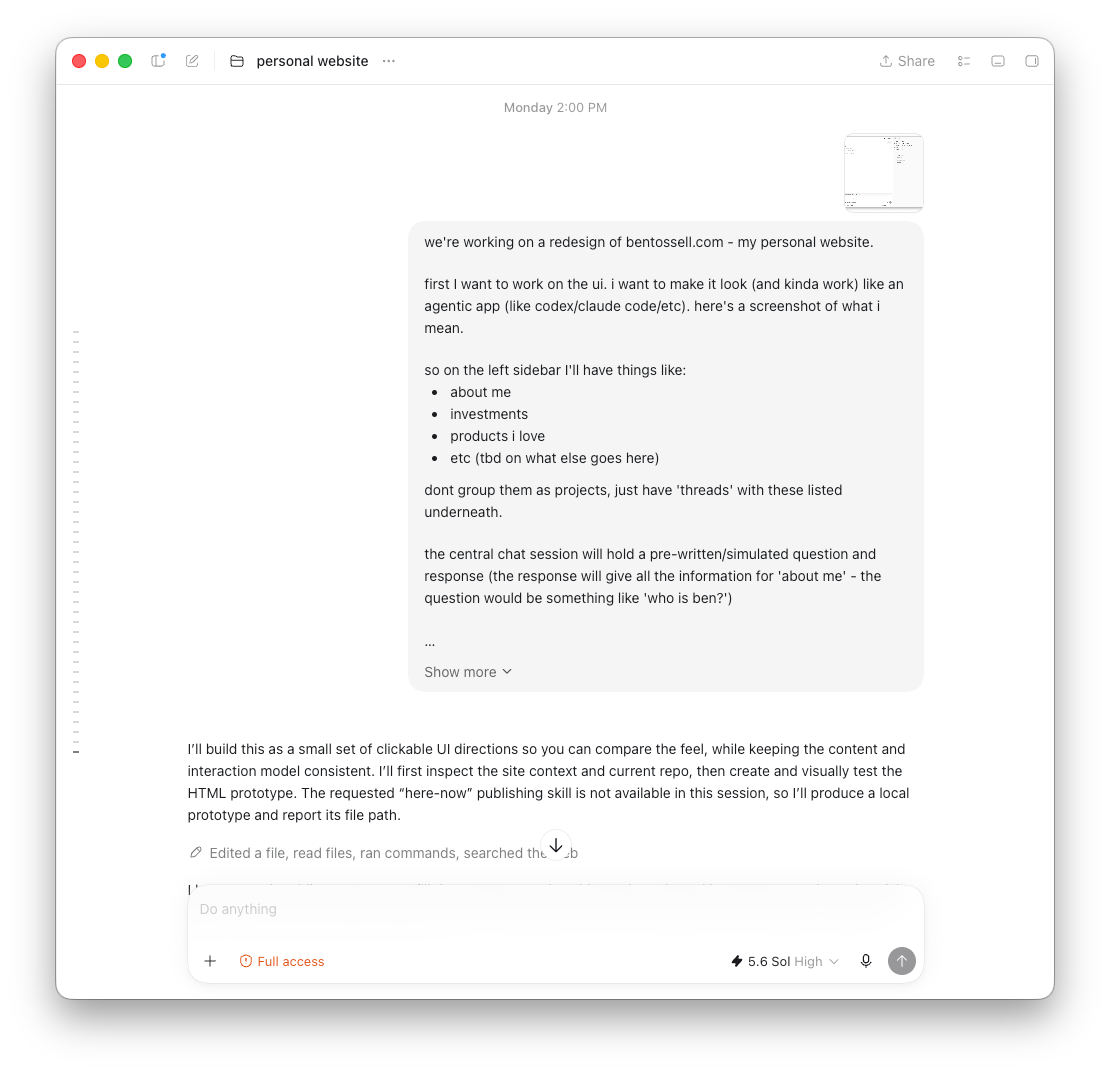
The first pass had threads on the left, a simple chat interface in the middle, suggested prompts and a second sidebar on the right. It had the rough shape, but a ton of design quirks I wanted to change.
My AGENTS.md has an instruction to always create 3 versions of designs I can flick through - these were mostly ‘themes’ in this instance (I should tweak my instructions). I took a screenshot of the best option, dropped it into tldraw and annotated it.
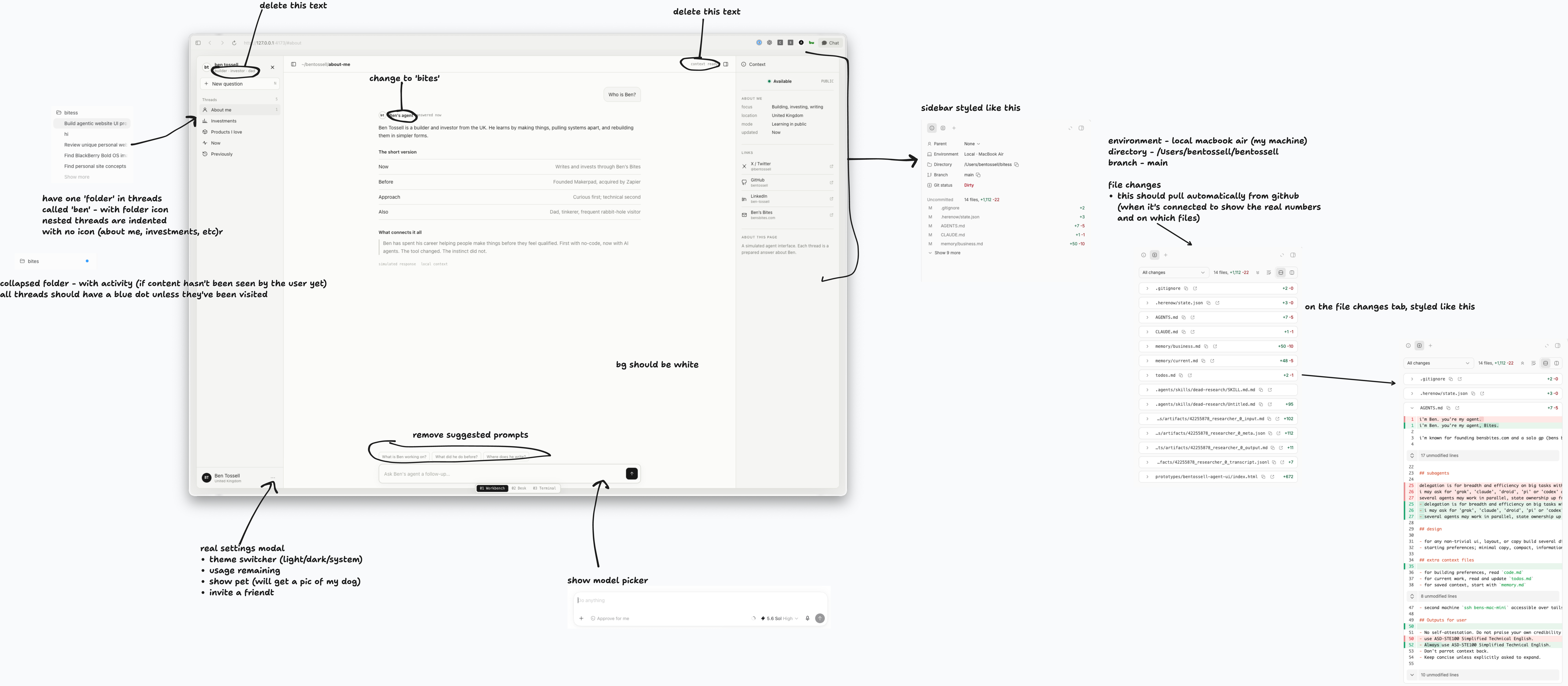
Attached the screenshot (and the original file location) back to Codex to fix.
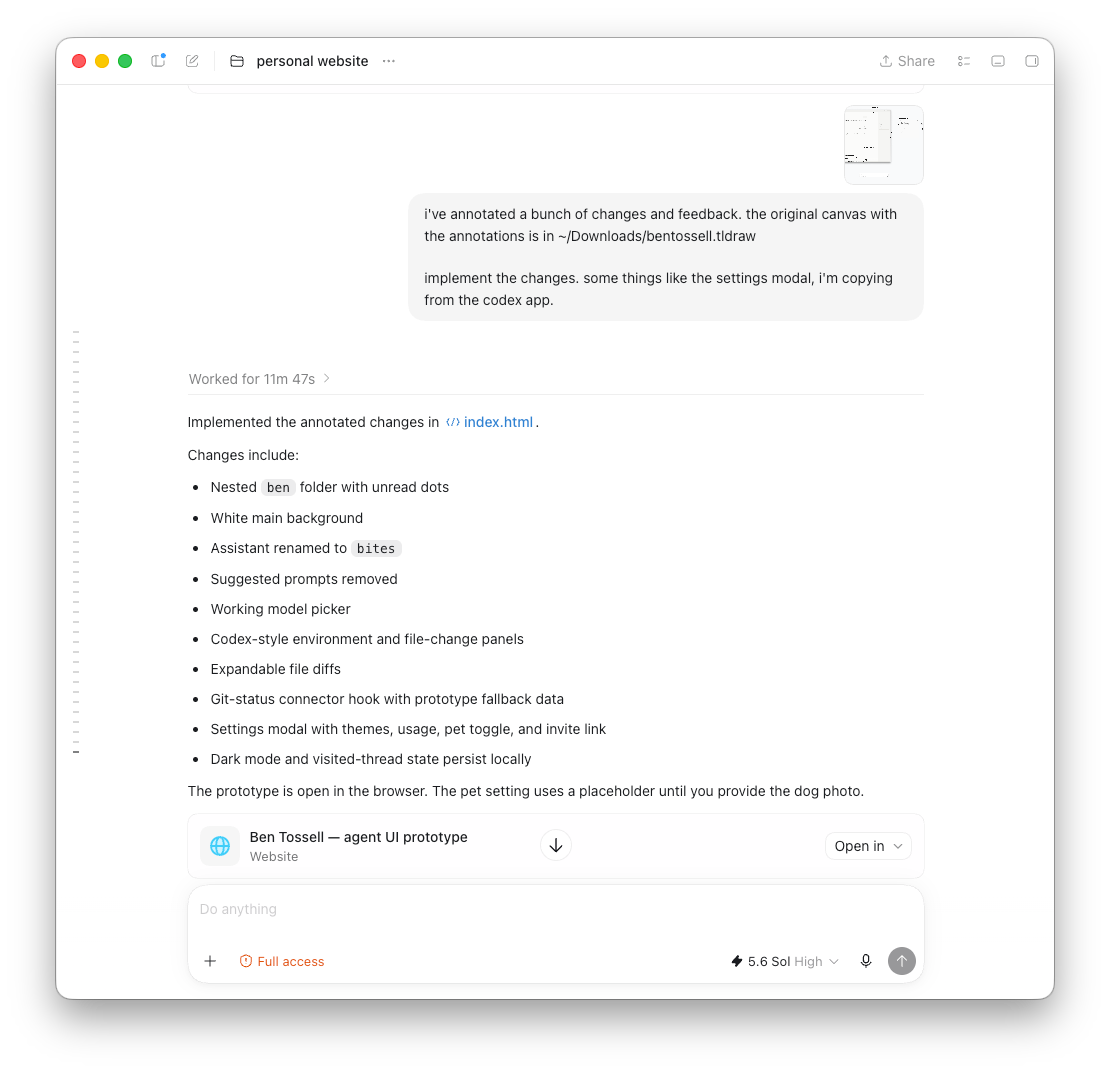
I sent the annotated screenshot back with a short instruction to implement the changes. That was the loop for most of this session: look at whats made, draw over my feedback, then send it back. I did this a couple more times.
I think Claude models are better at inferring intent from design work where GPT is more rigid so it needs more specific feedback for tweaks.
Then I tried a design-review skill made by Emil Kowalski, a designer whose work I like. I generally don’t like agents calling a skill unless I specifically ask for it so I have my agents disable that on all my skills.
Just say something like:
“Make sure skills are not model-invoked and only user-invokable.”
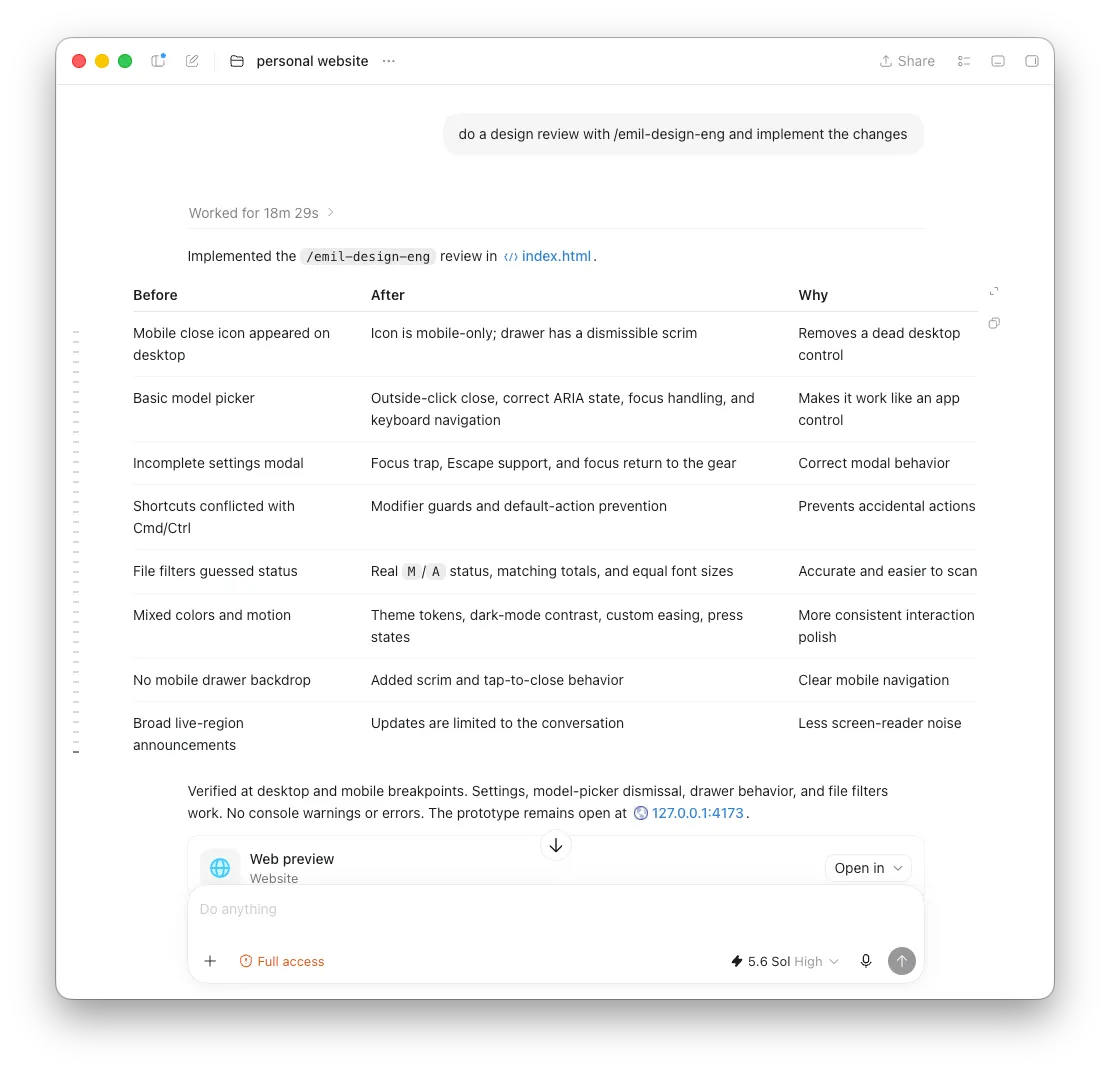
Then a few more back and forth tweaks. But it got to a pretty good place I think.
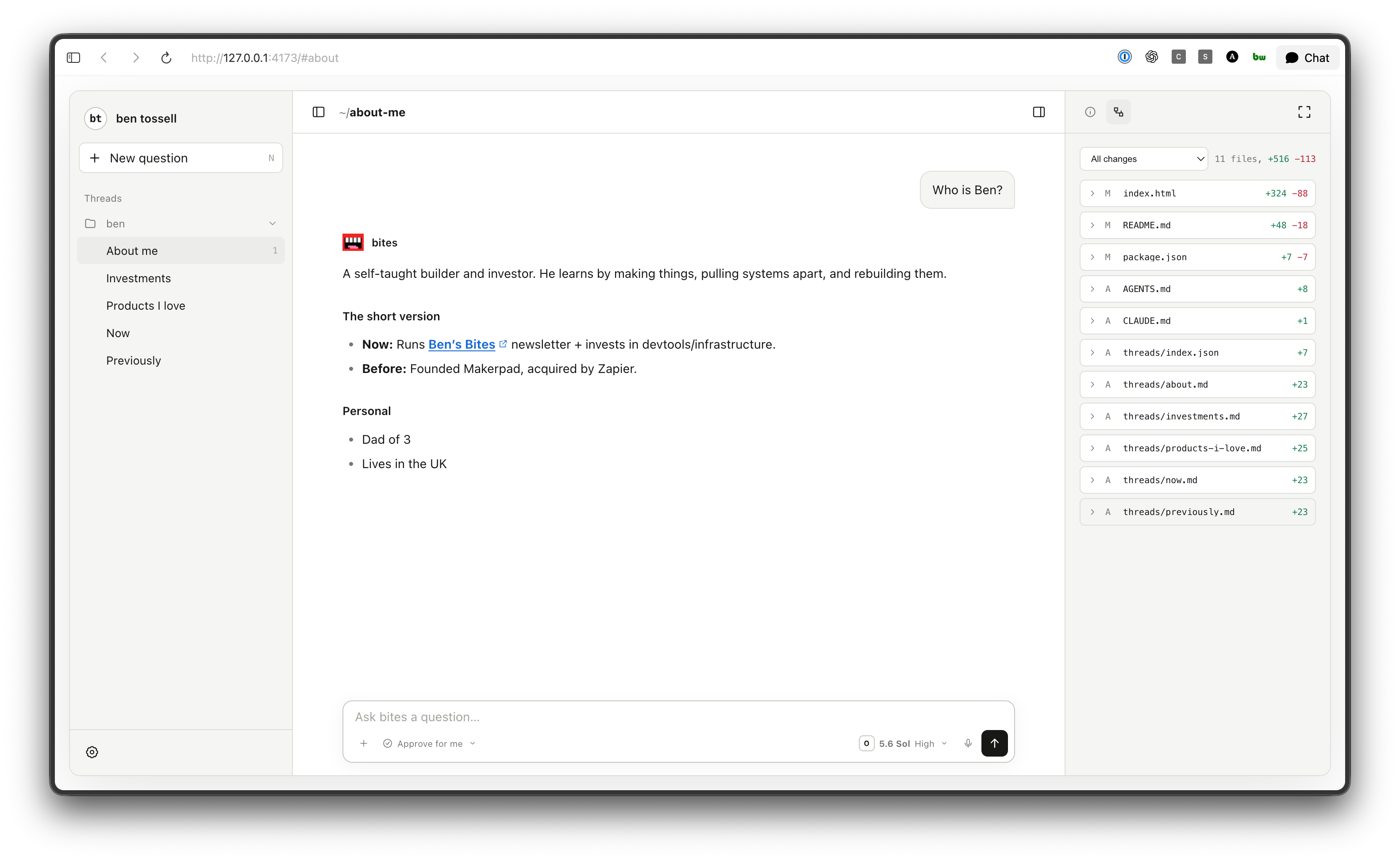
Putting the content in files
I wanted every thread on the site to get its content from it’s own Markdown file so I could easily change content in those files instead of trawling through a bunch of code.
Markdown is plain text with a small amount of formatting. A heading starts with a #, for example.
And I wanted everything saved in a folder ~/repos/bentossell - but I forgot I already had a project for my current personal website, but I hadn’t said that… The agent found the existing project and started creating a new version around it.
But I wanted to just replace the old with the new.
Then I went mobile (kids!) so wanted the site deployed to a url that I could visit. I use here.now for most of my quick builds - anything that isn’t a big app with data moving in/out, a database and things like that. I’m an investor in the company…but this is not sponsored. I invest in tools I want to use.
But you just give your agent the instructions, it installs a skill then publishes any sites for you. And you can of course get a paid account for persistent urls and custom domains. More on that later.
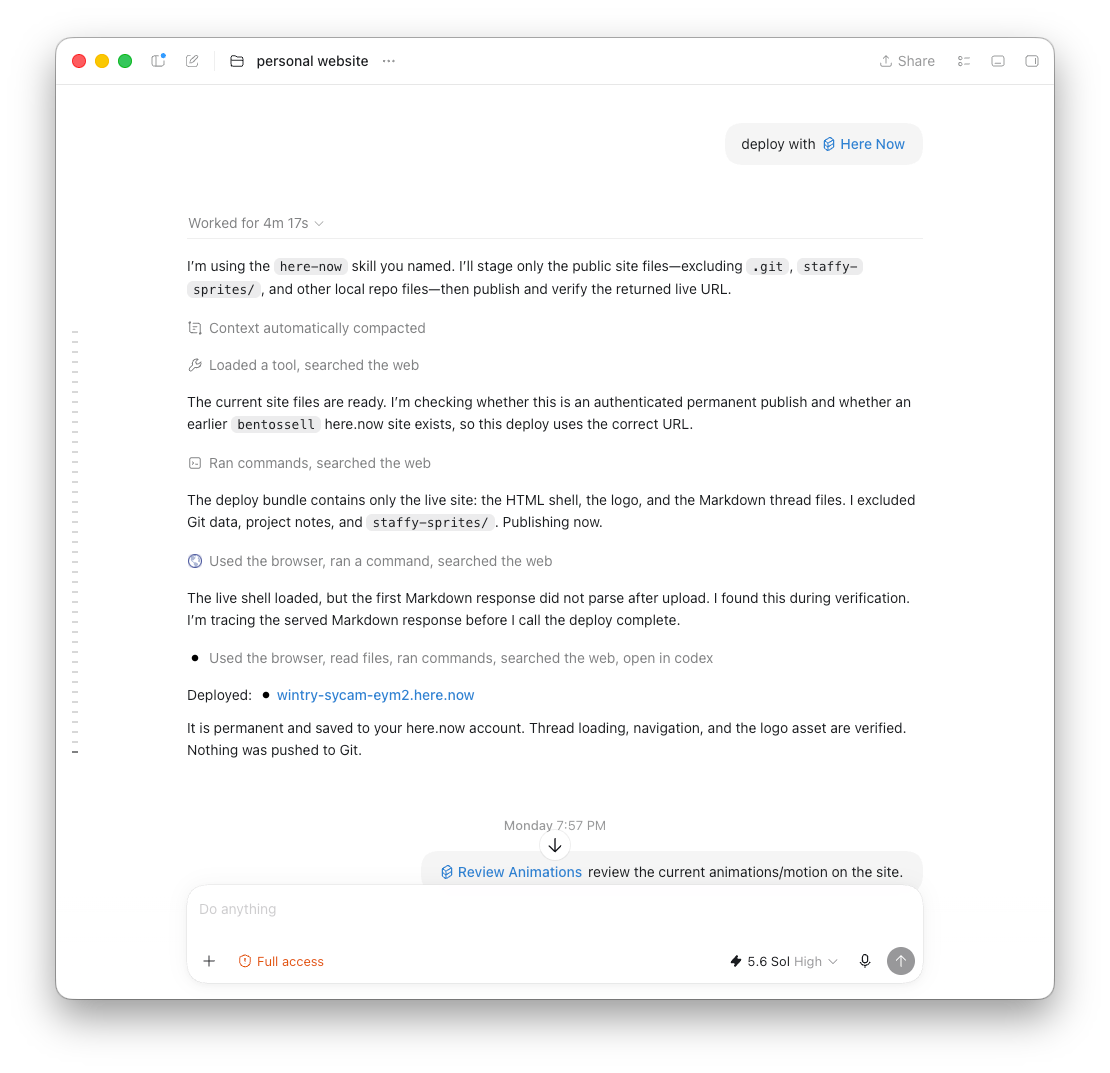
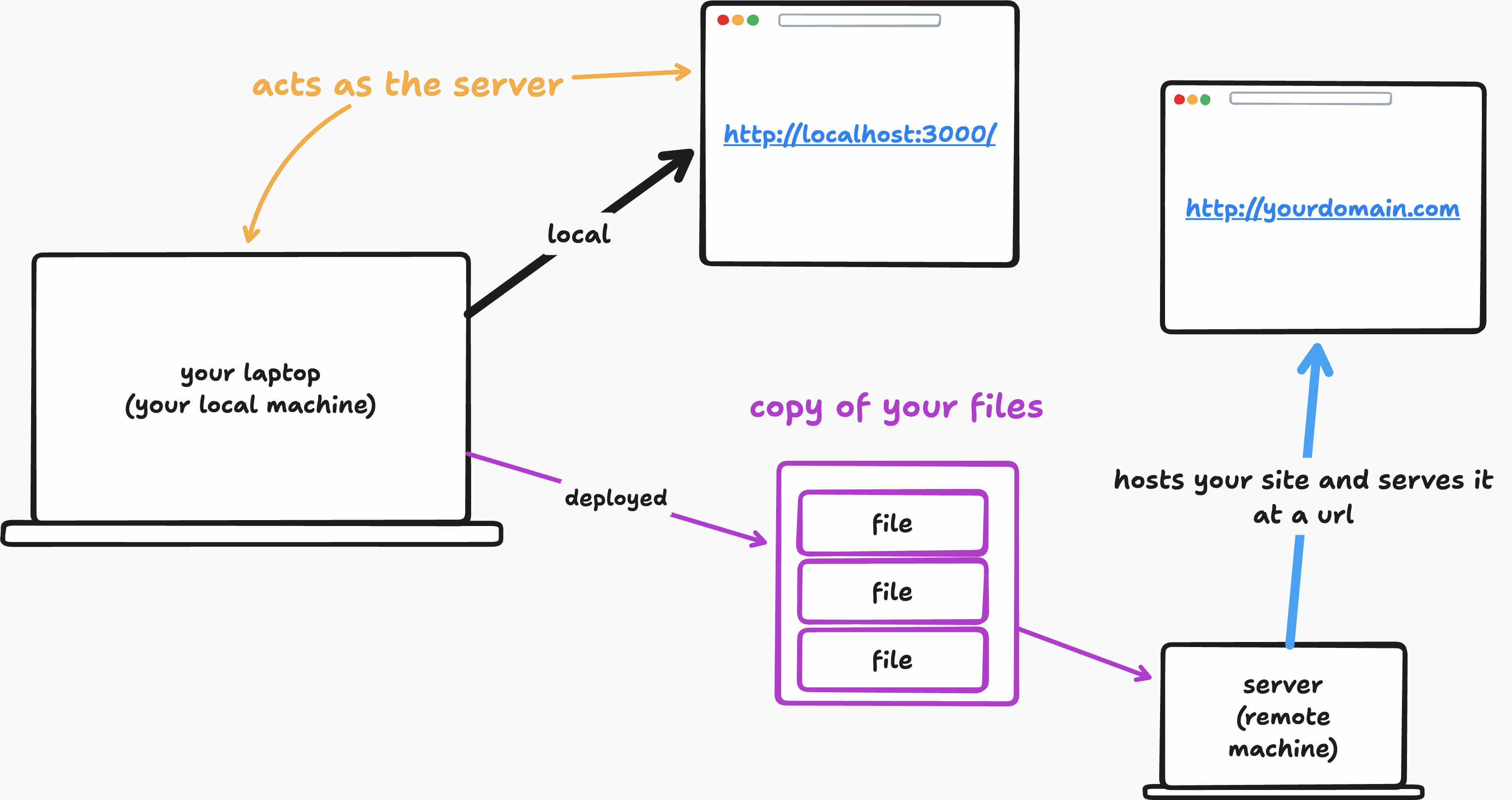
Localhost and deployment
When an agent builds a website, its on ‘localhost’. It’s ‘local’ in that it’s only available on your computer. No one else can see it, nor can you from your phone.
Deploying hosts a copy of the site on a server with a public address, so you can open and share like other websites.
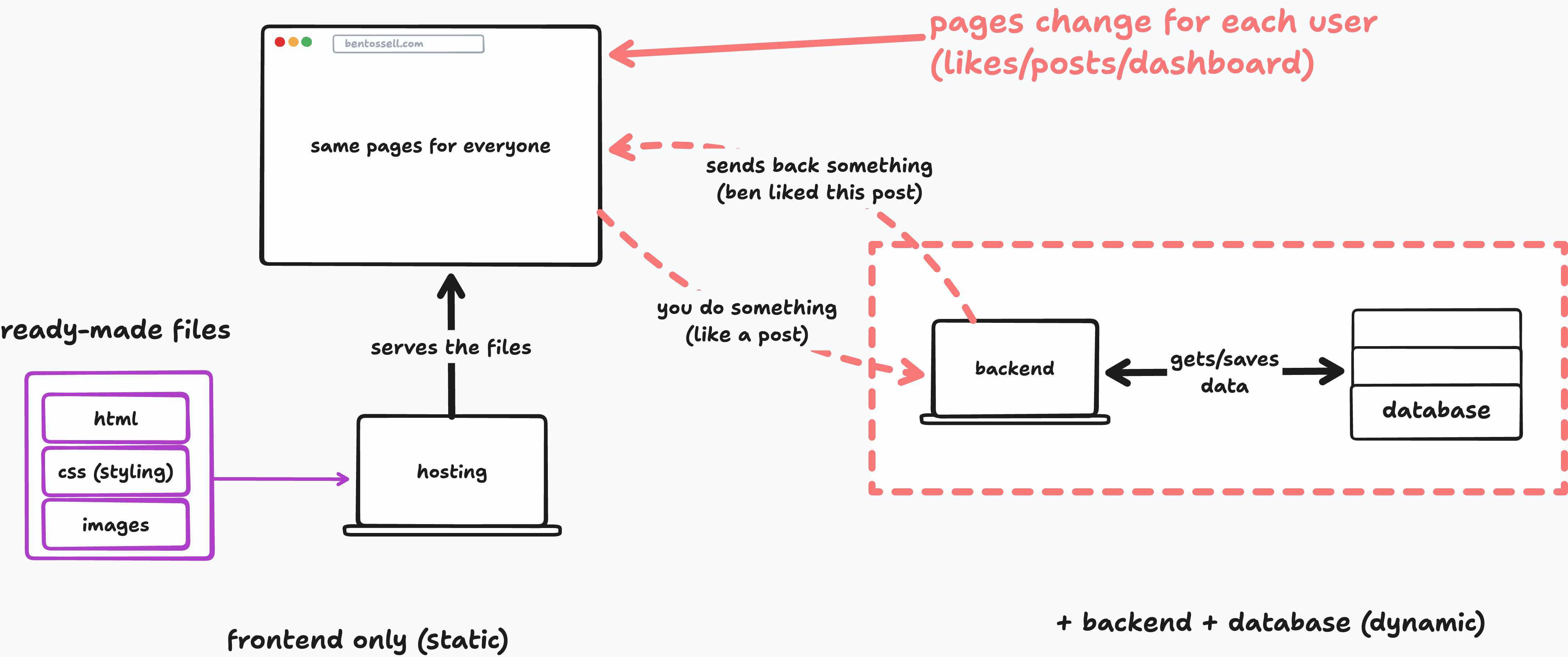
Static and dynamic sites
My site is static. Everything shown on the page is in the files.
A dynamic site pulls information from somewhere else, such as an API or database. If you like a post and the site remembers your choice, something must save that information and return it later.
Like my manic agent session walkthroughs?
Scope-creep
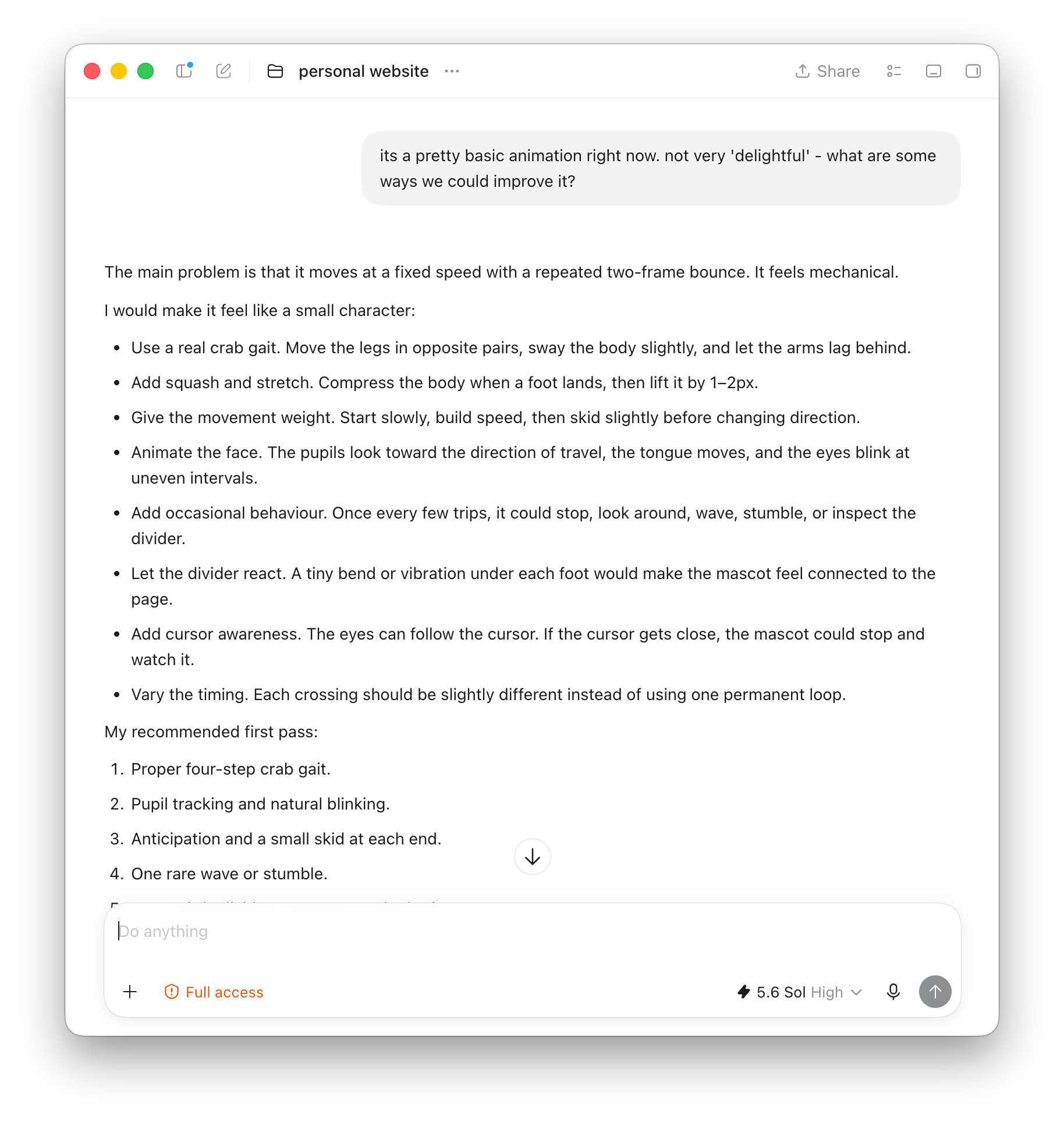
I ran another design review, this time focused on animation, and asked the agent to address the findings.
Then made a to-do file and grouped ideas by complexity. Some were minor interface fixes. Others changed the project: add a real AI model, let visitors send messages, show real thinking and tool calls, and create artifacts or canvas previews inside the site.
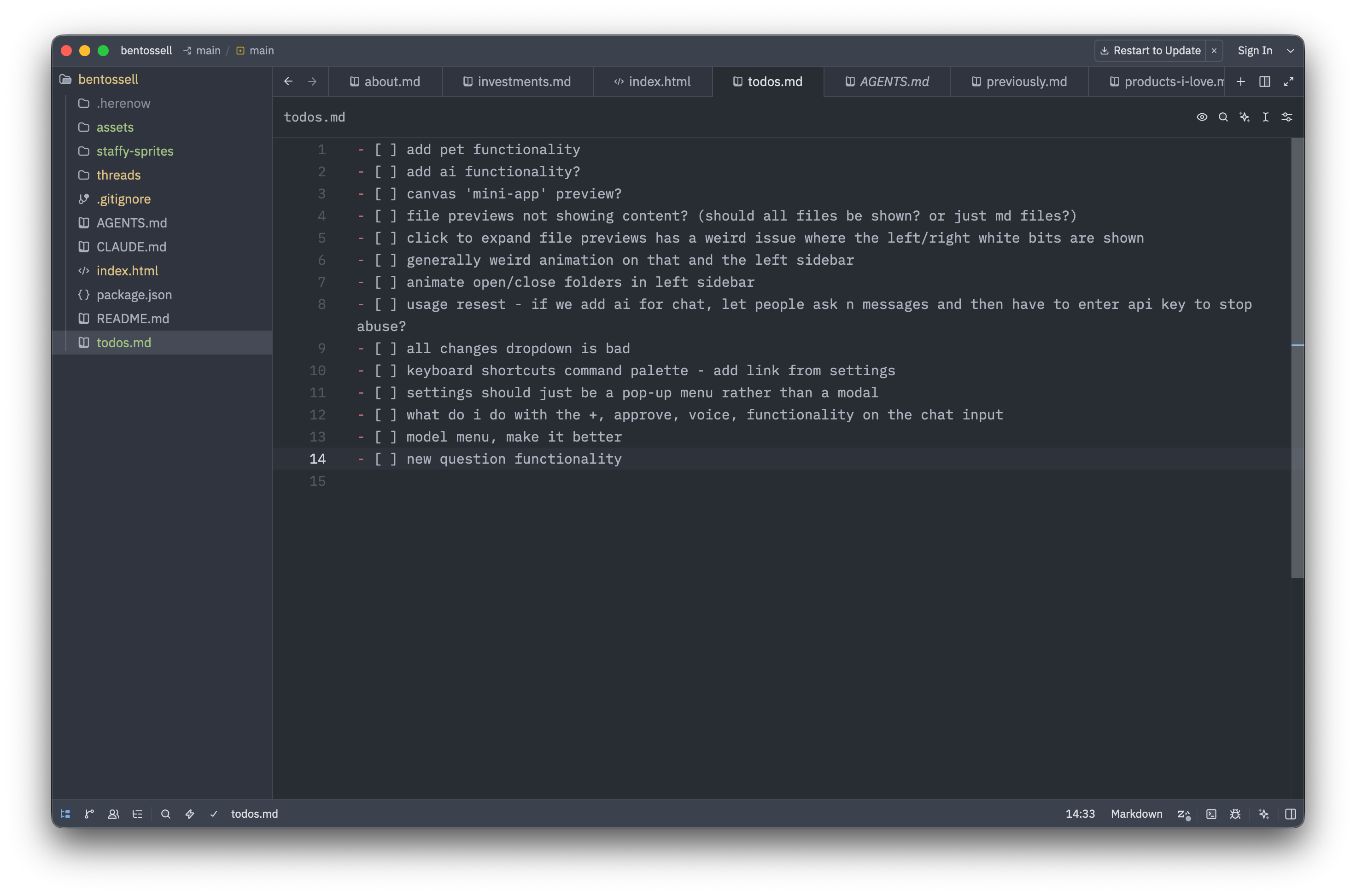
I had Codex use a different agent, Droid, to run some of the work with Grok because I was not getting what I wanted from the GPT models on the interface. When it finished, I asked it to save (commit) and redeploy everything.
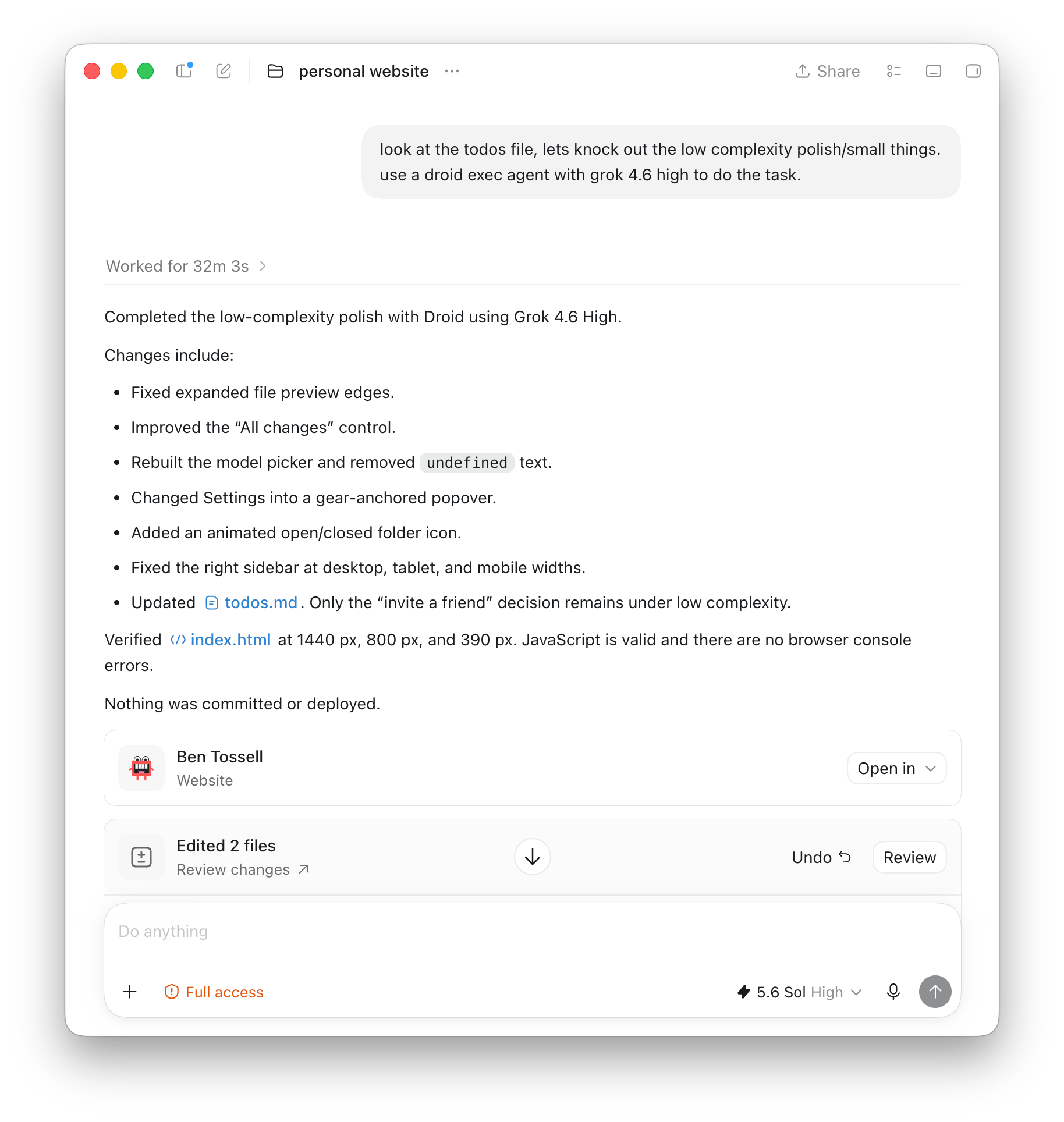
By about 10pm, I had a long list of things the site could become. It could let people install a skill. It could contain real agent chats. I started creating an animated pet, my dog Nero, that could be dragged around and animate. Scope creep.
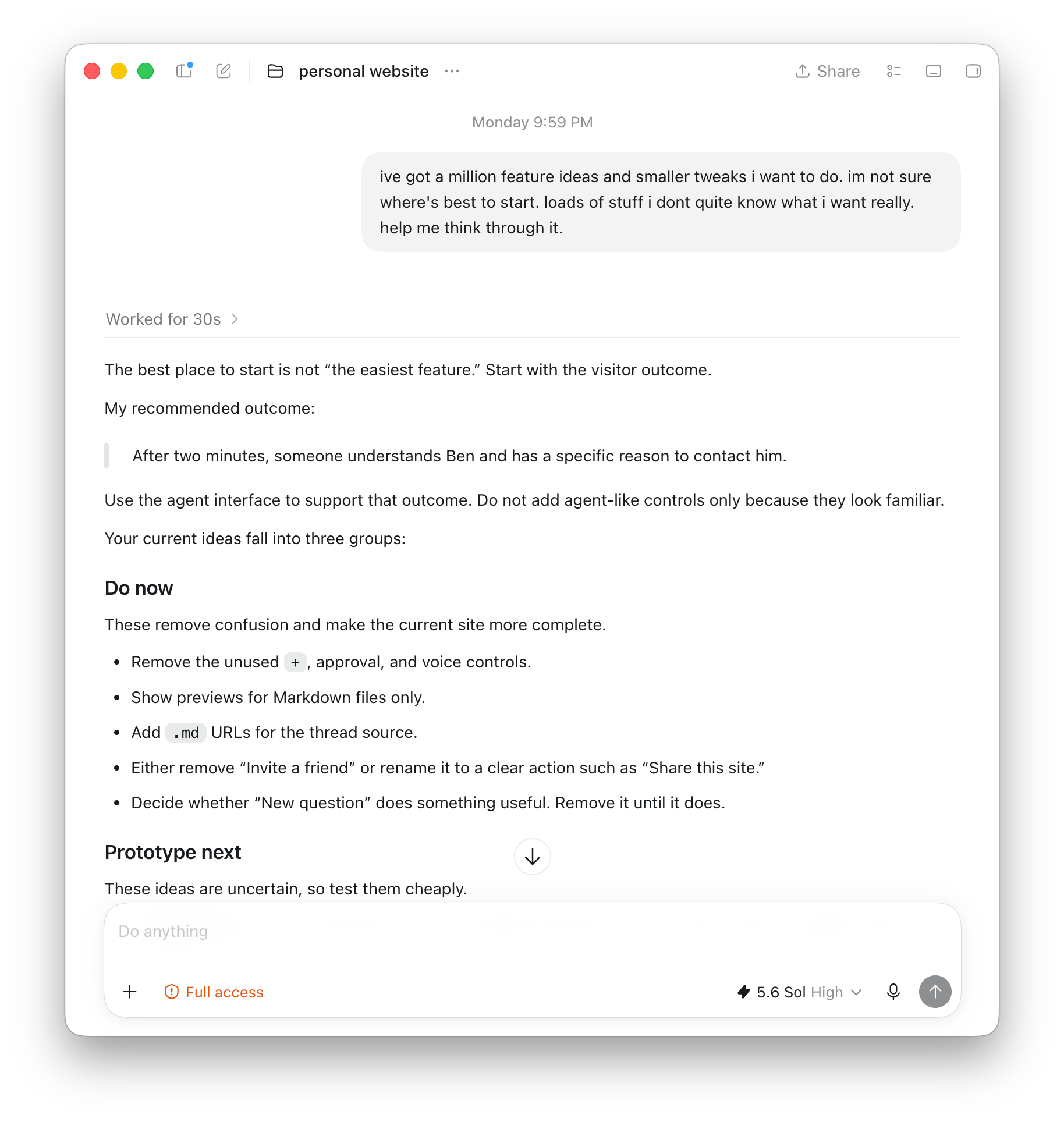
I slept on it and hated the whole thing.
It was too complicated for a personal site. If I made it look like a real agent, I would want to make it a real agent. There would always be another button, interaction or easter egg to add.
The concept is something I love but I’ll save it for another build in the future. So I scrapped it.
I often don’t know what I want until I can see and use a version of it. This is why my design instructions usually ask for three versions. I need to feel the differences. Sometimes that shows me the right direction; sometimes it shows me that the whole direction is wrong. Both equally helpful, usually 😅.
Starting again with a canvas
Before the agent-interface idea, I had thought about making the site feel more like a canvas.
You’ll have noticed I’m using tldraw a lot for explaining my sessions so thought I could make my website more ‘canvas-y’.
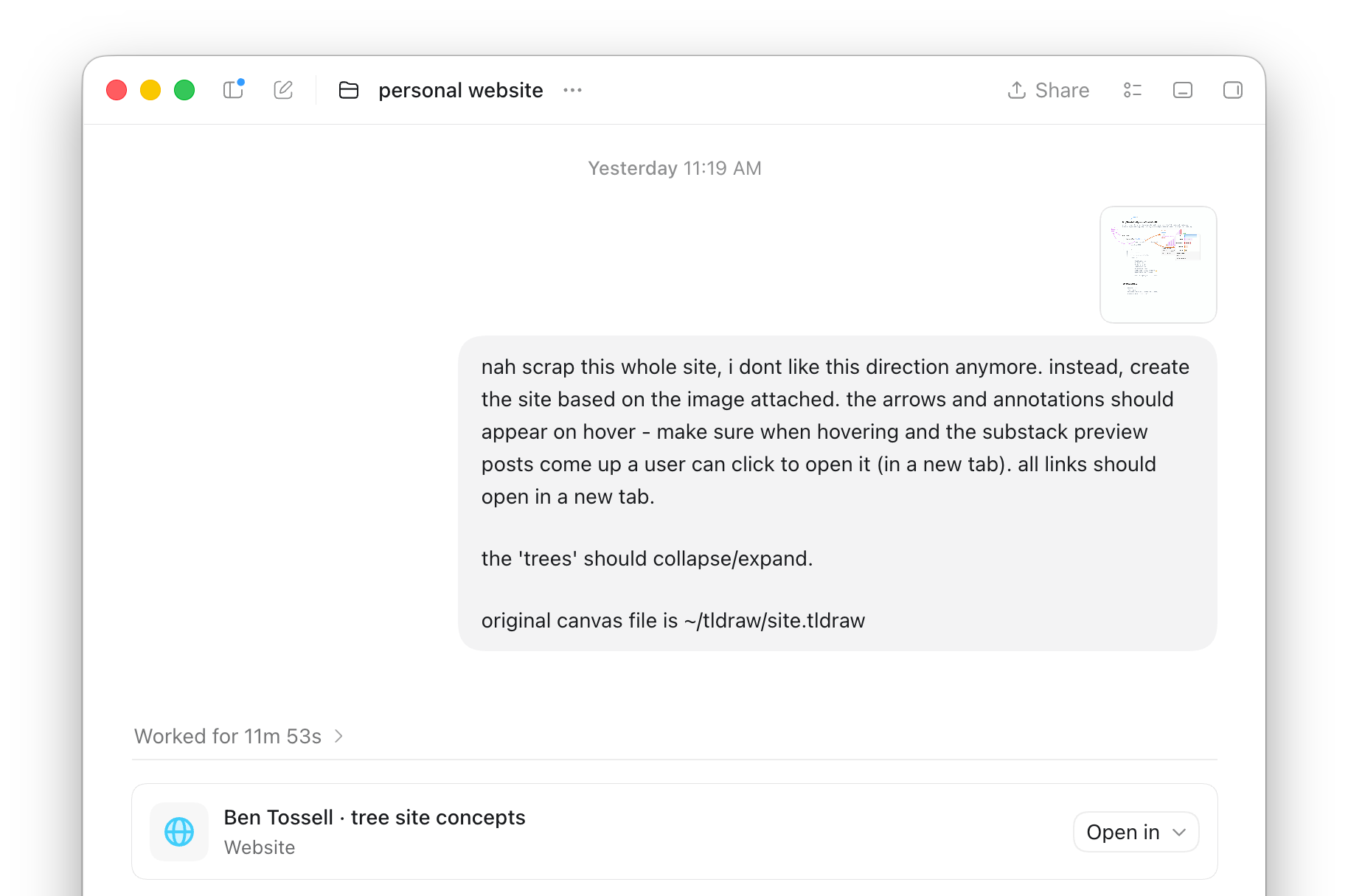
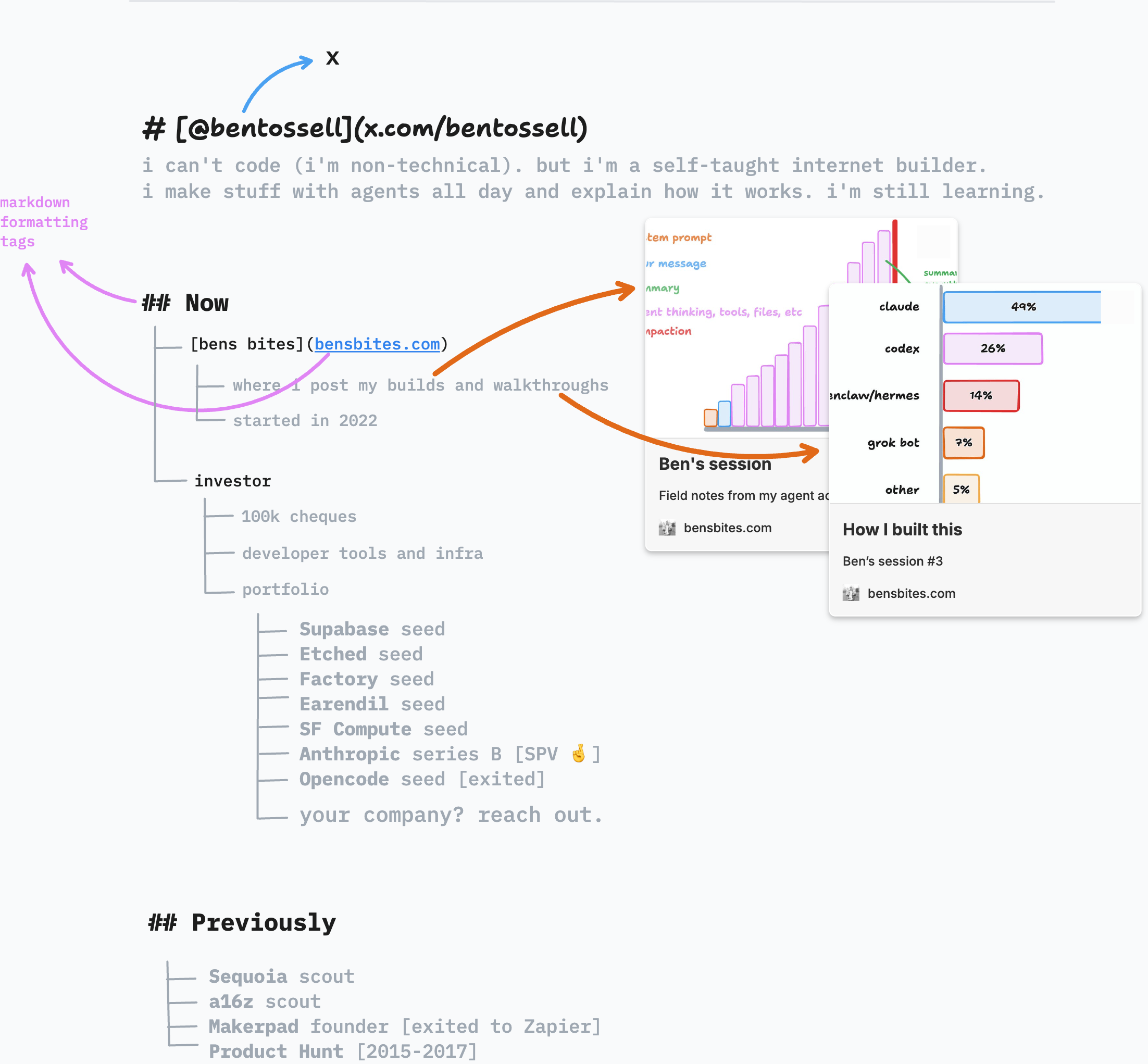
I made a rough mock-up with handwritten notes and small previews. Hovering over a piece of text could reveal an arrow or annotation.
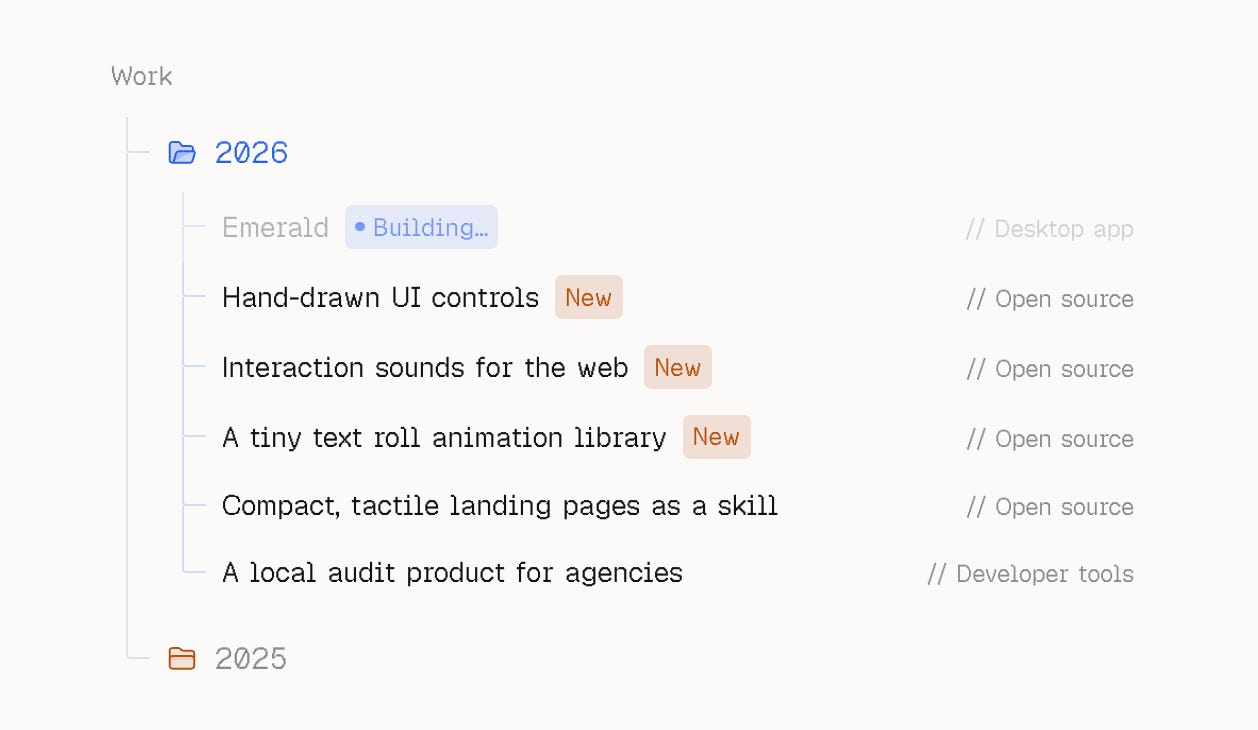
I’d seen a personal site (shoutout Daniel White) that used a file-tree structure as a timeline. It showed current and previous work as nested items. That’s cool, let’s ‘borrow’ it.
It made three versions of the new direction. Let’s just say I wasn’t that impressed.
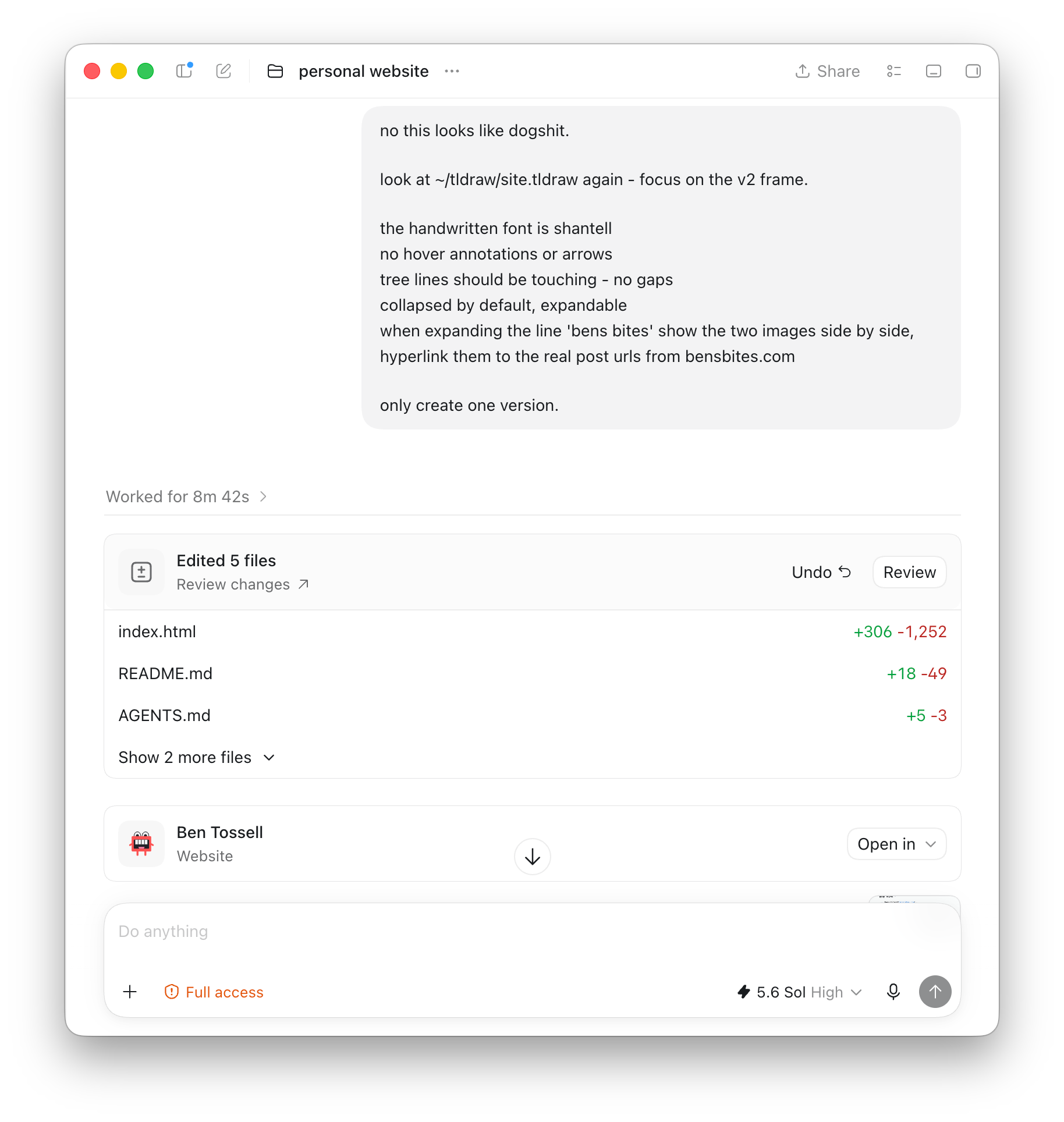
Then I got back into screenshots and annotations tweaking small design implementations and how it felt (should things auto-expand, be collapsed, smoothness of the open/close etc).
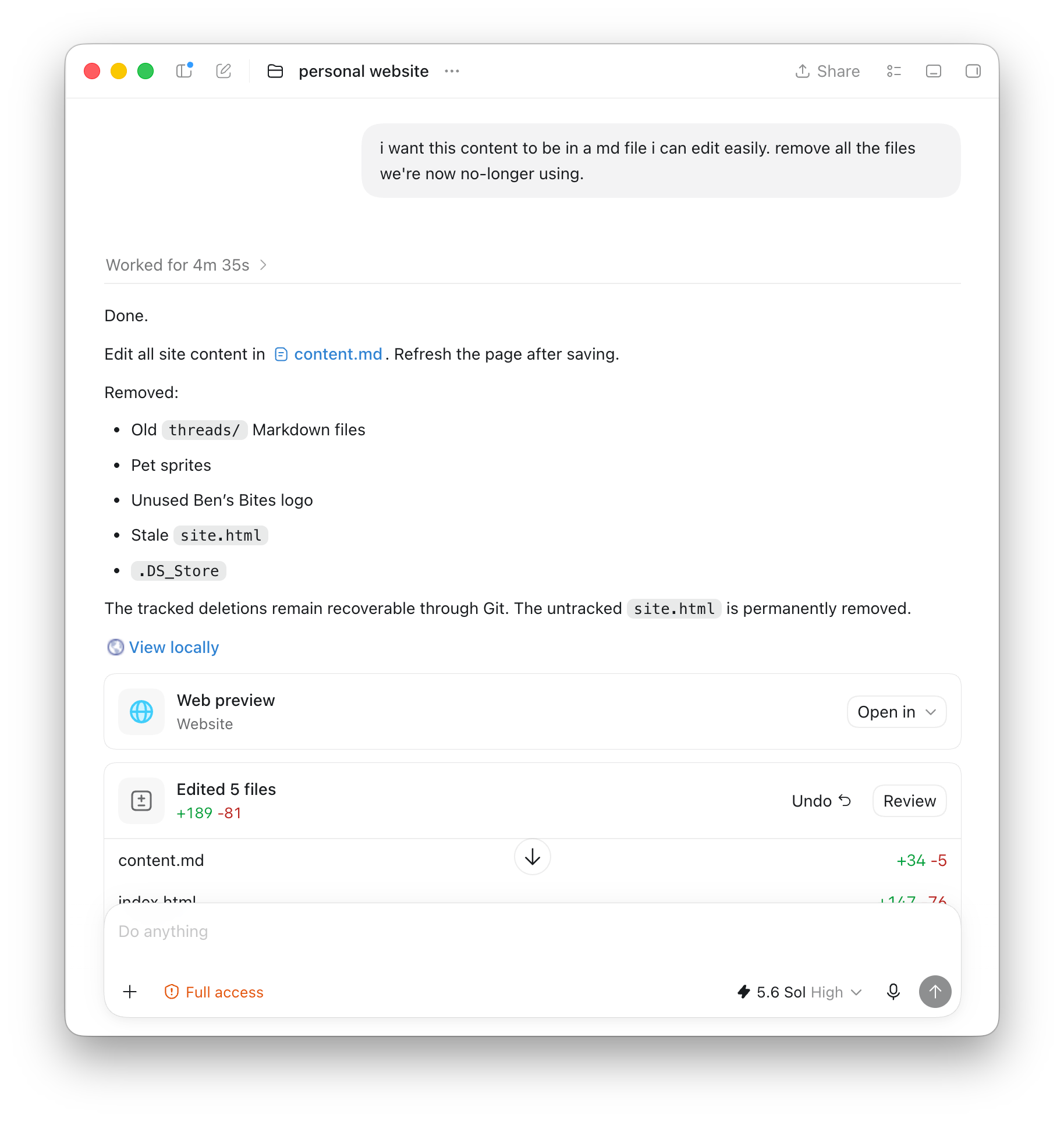
I moved all the page content into Markdown again, then removed the old agent-interface files and the unused animation frames for the dog (sorry Nero!).
Putting it on my domain
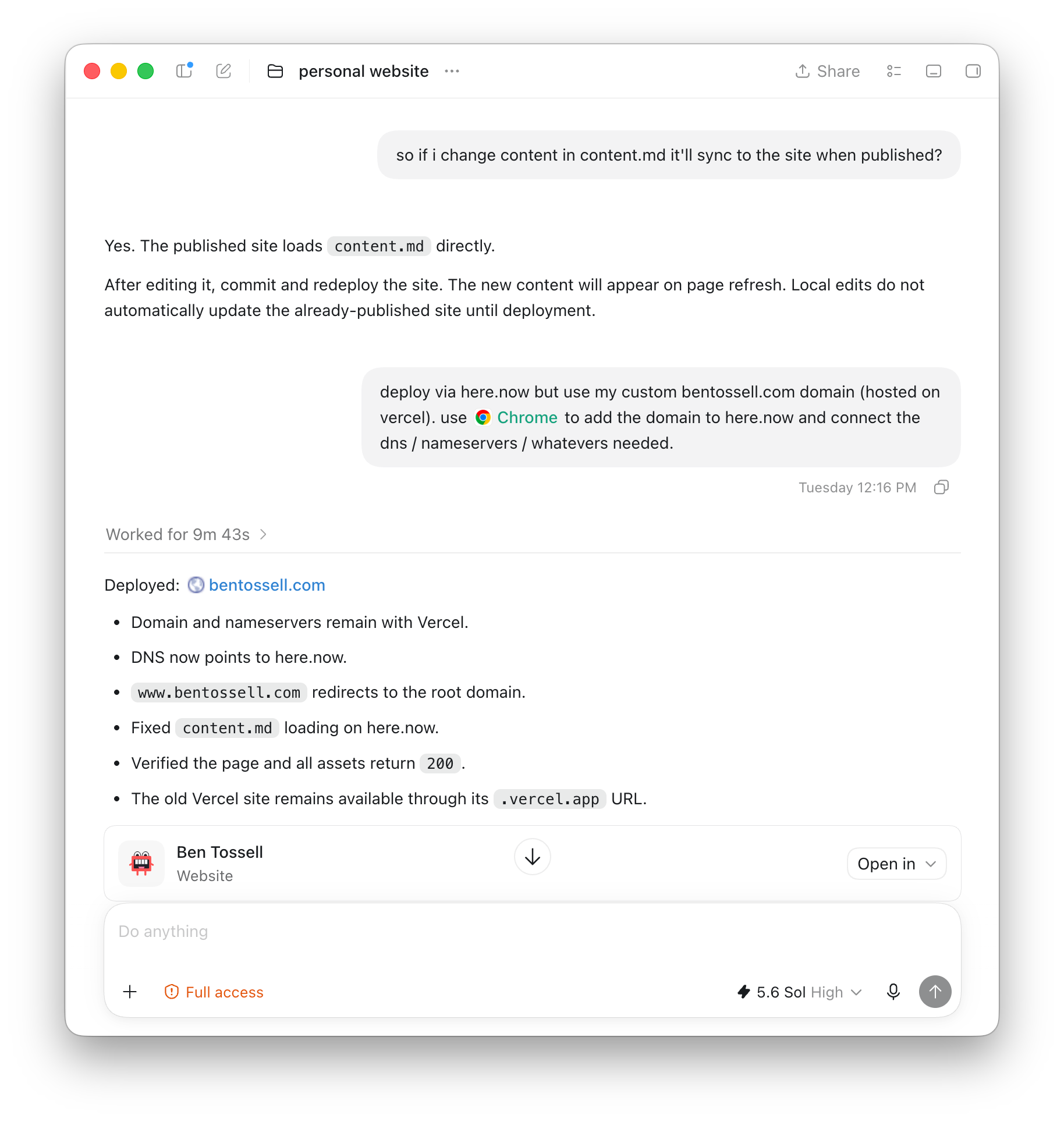
I deployed (published) the simpler version with here.now. This time I wanted it on bentossell.com rather than a temporary address. My domain is managed through Vercel, so I told the agent to use Chrome, add the domain in here.now and update the DNS records in Vercel.
Domains and DNS
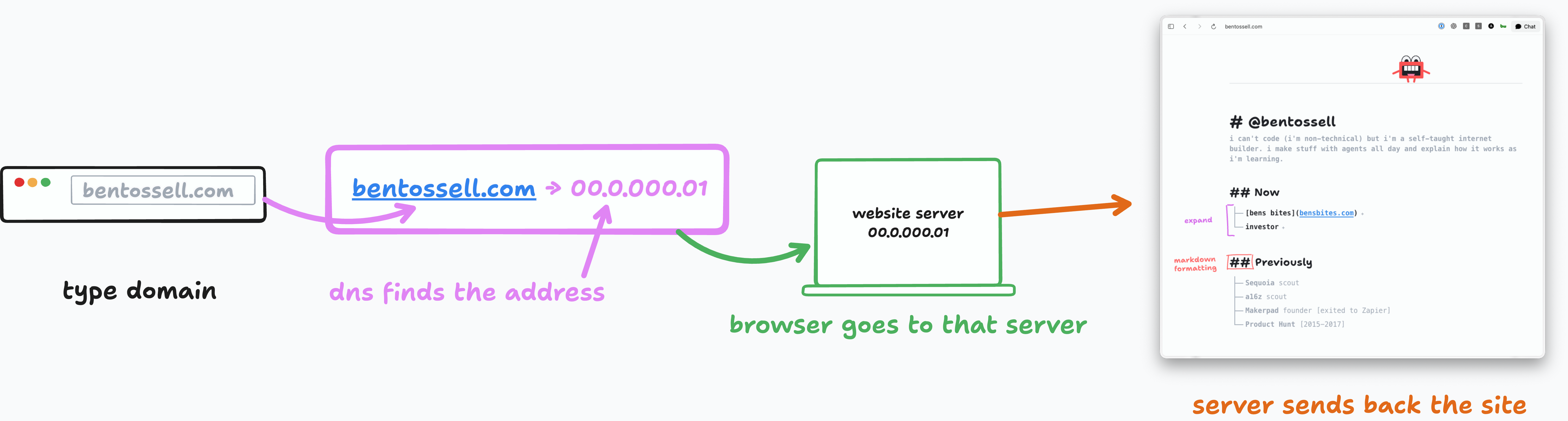
A domain such as bentossell.com is a memorable address. DNS records tell browsers which server should answer when someone visits that address. When those records change, the update can take time to change.
The agent handled the setup and the site was live. It took about 20 minutes for the domain change to settle, which is normal when a website starts pointing somewhere new.
I checked whether here.now needed the project to be on GitHub. It didn’t. The agent published the files directly from the local project folder to here.now. It creates a site, uploads the local files and then makes that version live.
I still used Git for version history. A commit = a saved version. But if you ‘push’ those commits, they get sent to your GitHub repo. Useful for keeping a copy of the code and seeing how it changed, but not needed for this deployment.
Giving the simple site some character
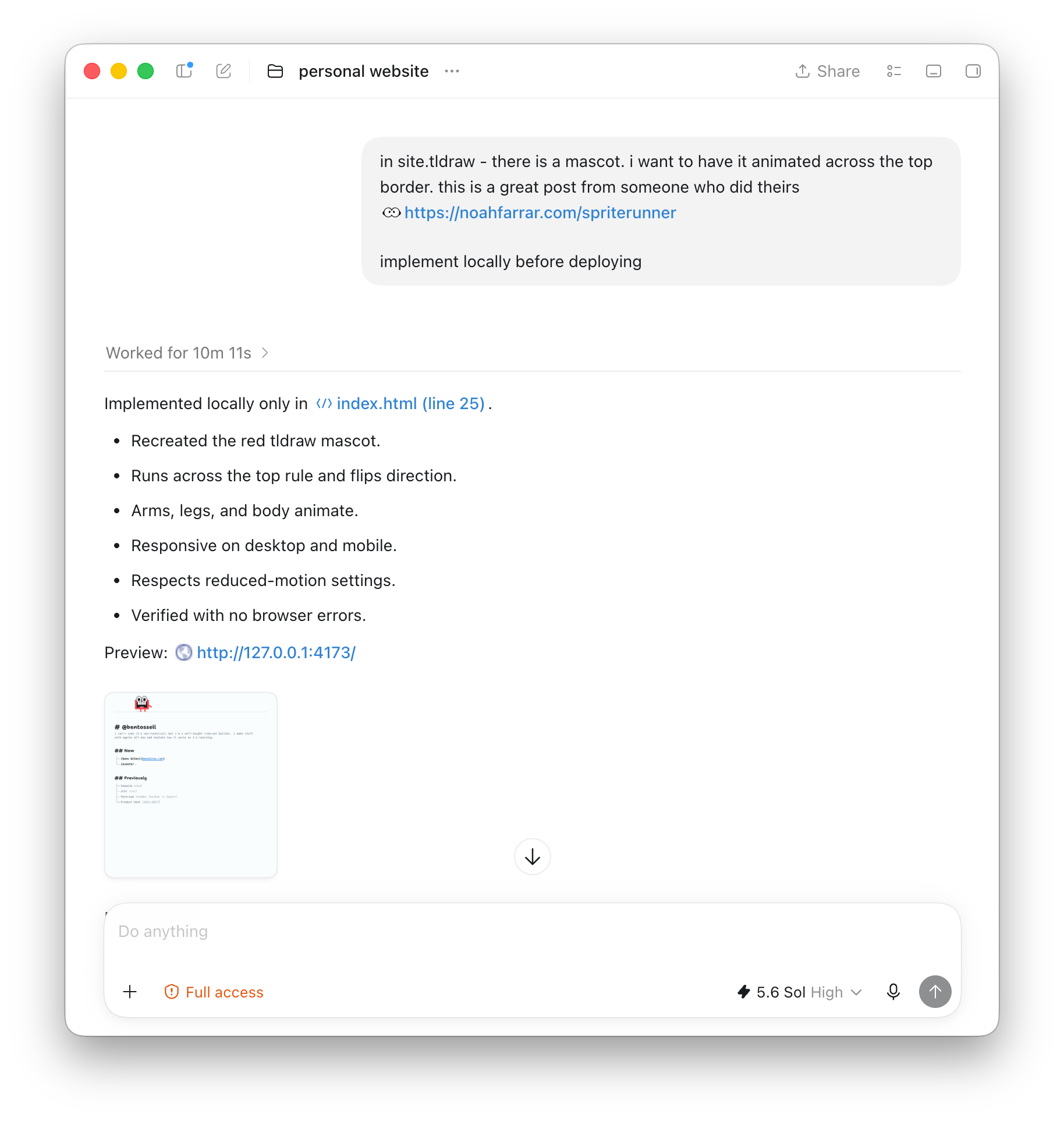
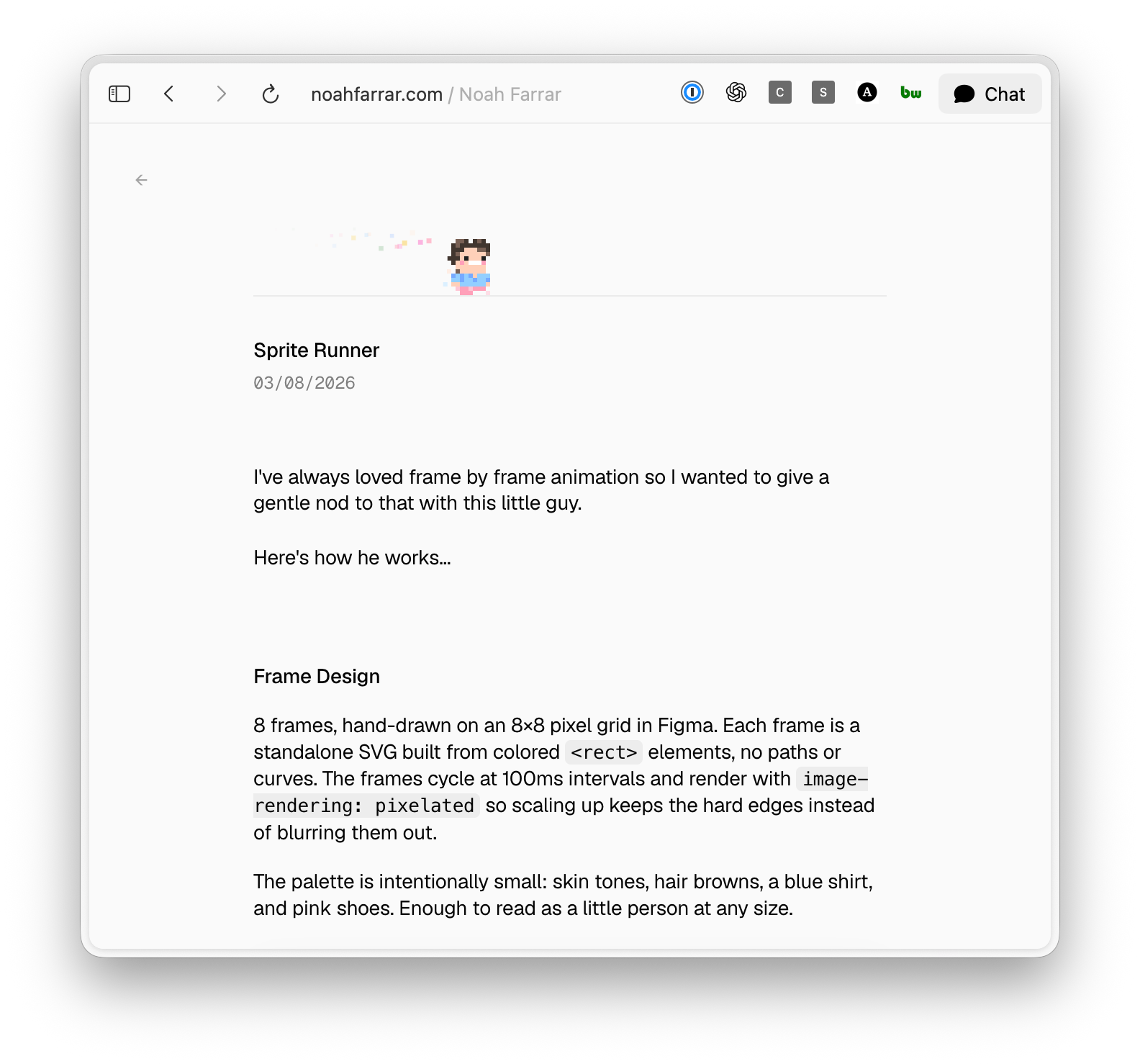
The new site was deliberately more basic, so small details made a bigger difference. I drew a little mascot in the canvas and had seen another personal site with a character bouncing across the top of the page. I wanted mine to waddle around in the same way.
This is from Noah’s site.
The first animation looked rough. Its eyes needed to sit behind the rest of the face. The arms disappeared. The image flipped at the edge of the screen, which looked strange, so I asked it to walk sideways like a crab instead. I adjusted the legs, size and shadow, then asked the agent for ways to improve the basic animation.
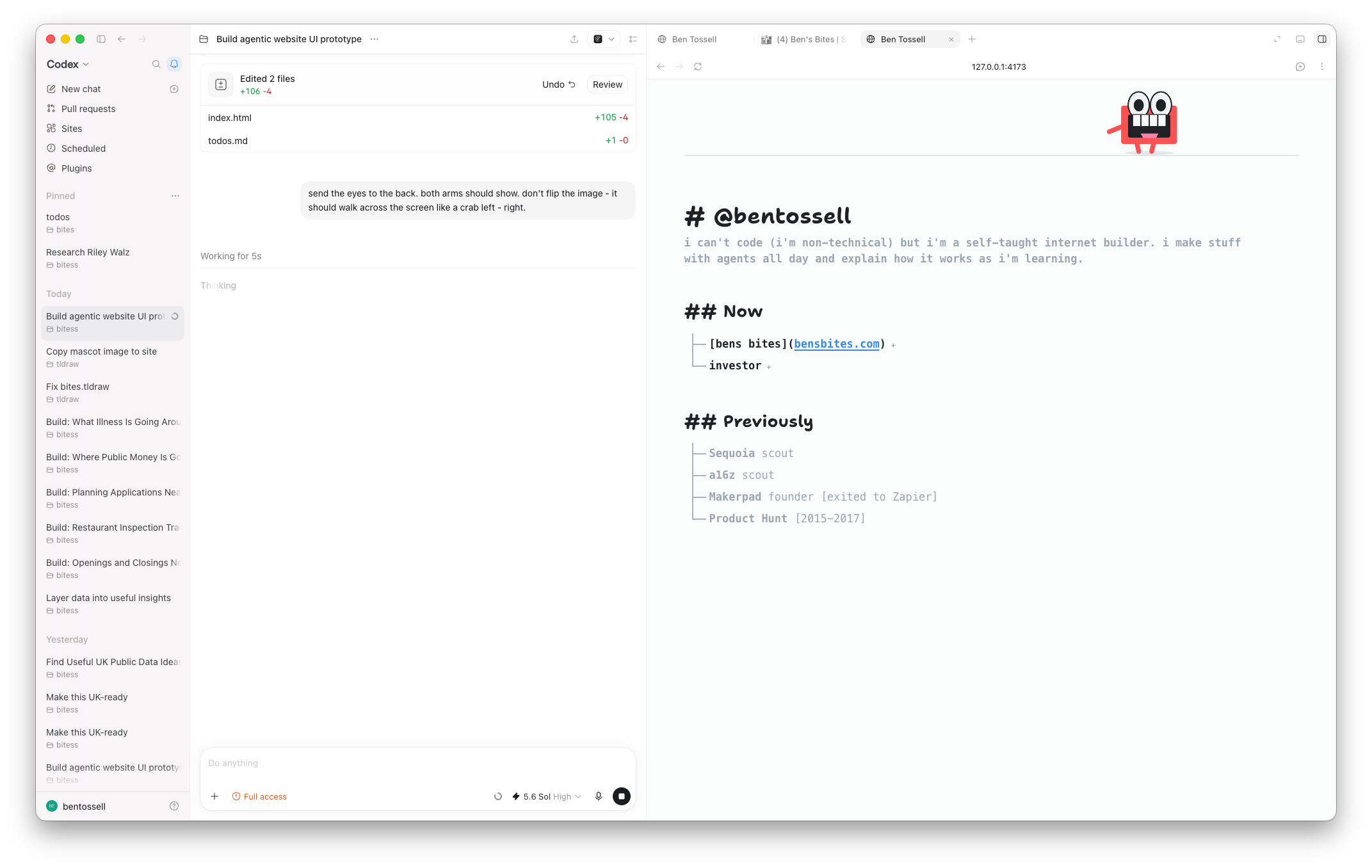
I added keyboard controls. The up arrow makes the mascot jump; left and right make it move faster. Hovering reveals a small tooltip, and clicking it does something useful rather than treating the character as decoration. I also used the mascot as the site favicon: the small image shown beside a page title in a browser tab.
I still liked the annotations from the first canvas idea. Rough Notation is a small library that draws animated underlines, boxes, circles, highlights and brackets around parts of a web page. I had seen another site use brackets with handwritten explanations and wanted to try the same thing.
I drew over another screenshot to show where a bracket should sit and what it should explain. One marks the Markdown formatting. Another points out that a section can expand. On a smaller screen, the text has to move below the content instead of being squeezed beside it
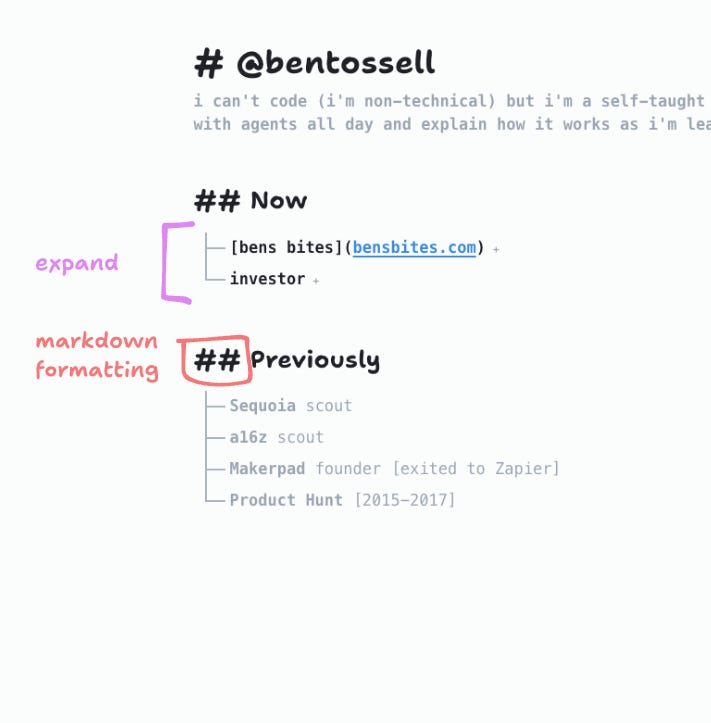
The first responsive version still had problems. Expanding a section was faster than its bracket animation. Some brackets stretched far beyond the content. I annotated those details and asked for the bracket to stop at the content width. I narrowed the page, cleaned up the animation and deployed again.
Later that evening I added light and dark themes. I normally use one icon to switch between them, but then I questioned whether the switch needed to exist at all. I removed it and let the site follow the visitor’s system setting.
Where it ended up
The current site is much simpler than the first one. Content lives in files I can edit. The tree can expand, the annotations move with it and the mascot wanders across the top.
There’s still things I want to add. The difference is that each addition now has room to matter. In the agent-interface version there were so many controls that I could have spent forever adding Easter eggs and interactions without improving what the site was for.
A lot of the session was small back-and-forth work on the interface.
That is how the site was rebuilt: one complete direction, a night away from it, then a second direction worked out through screenshots, annotations and many small changes.
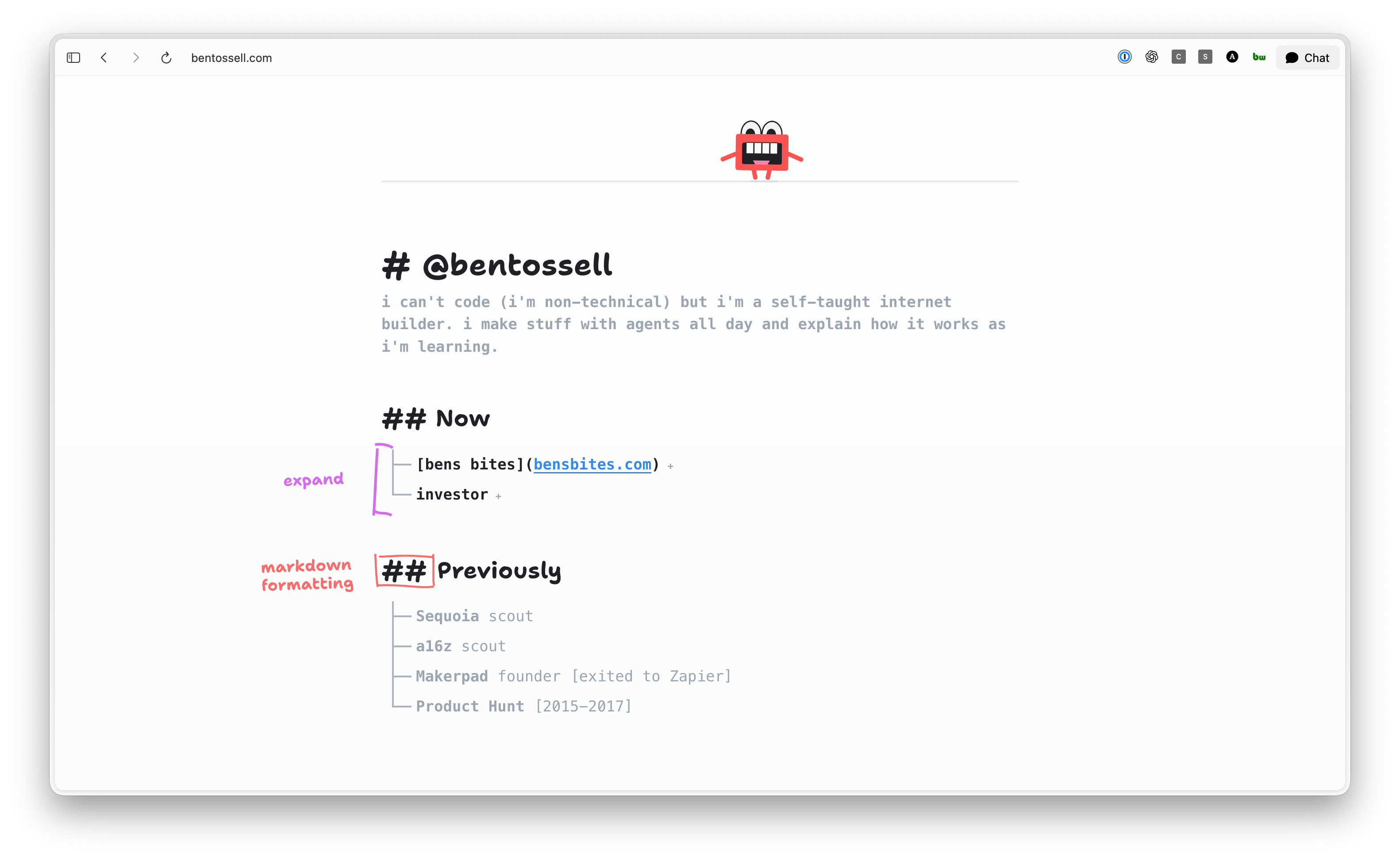
See for yourself - bentossell.com
I know many of you are shouting ‘the agent design was way better’ - yeah, I know. But as with every previous version of my personal site, I’ll pretend to update it regularly and then leave it for dust. The agent interface I want to use in another project and spend an inordinate amount of time and tokens making it great.
If you’re that annoyed, I encourage you to make yours an agent interface and show me 😊
The point of me sharing these sessions is because I’m still learning but I know enough to build pretty much anything I want to (it may take some time and swearing). And I want to show that I’m not doing anything special to get these agents to do stuff for me. It’s just figuring out what things are.
Get good at the thing while doing the thing.
The last few posts have been pretty basic stuff but I’ve got much bigger builds in the works and I plan to keep sharing what I build and how the digital sausages are made.
Behind the scenes
Enjoy your weekend!
Feel free to comment with any questions.
Love it! Thanks for sharing, as always. Haven't explored using other agents from Codex yet. Screenshots, annotations, screen-recordings, etc all have worked well so far. Intrigued by your idea to instruct the agent to only use skills when call manually. Is that because you are often in collaboration (back and forth) mode versus YOLO? I like the idea of it, feels more like "commands" at that point. Now that I think about it, in YOLO mode I may want my agent to document when it used a skill and when as part of the documentation / post-mortem review.
Hey Ben,
Is it possible to continue receiving the digest but stop receiving the sessions newsletters? It looks like it's all or nothing, and I don't really want to try to set up a special filter in my inbox to filter out sessions.
Thanks!